
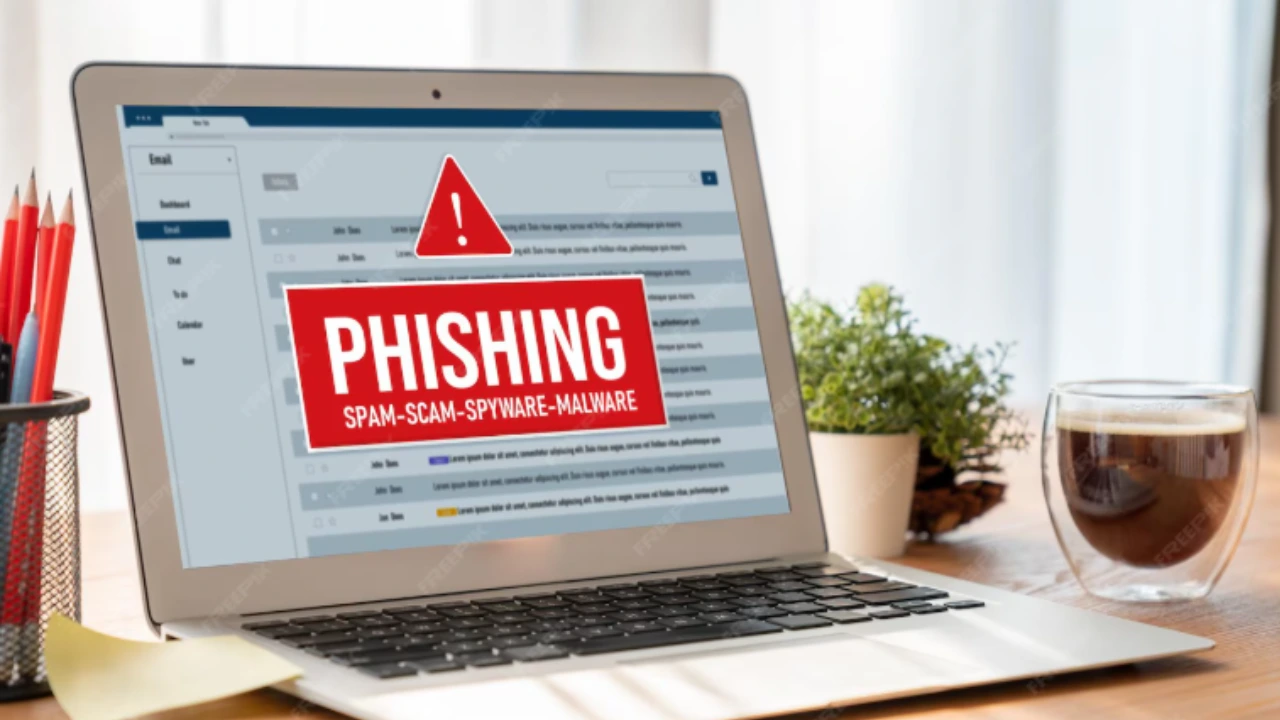
What to Do If You Click on a Phishing Link (2025 Guide)
magine this: you’re checking your email or phone, and a message pops up from what looks like your bank, PayPal, or even a friend. It says there’s a problem with your account and urges you to “Click here immediately.” Without thinking twice, you click the link.
Moments later, panic sets in. Did I just fall for a phishing scam?
You’re not alone. Phishing is one of the most common—and costly—forms of cybercrime. Reports show that nearly 90% of cyberattacks begin with a phishing attempt, and phishing losses run into billions every year. These attacks have become so sophisticated that even seasoned tech users and IT professionals occasionally get tricked.
The good news? Clicking a phishing link doesn’t always spell disaster—if you act quickly and correctly. In this guide, I’ll walk you through exactly what to do if you’ve clicked a phishing link, explain the real risks involved, and show you how to protect yourself from future scams. Whether you’re an individual worried about identity theft or a business owner concerned about company data, this article will give you a clear recovery roadmap.
Understanding Phishing in 2025
What Is a Phishing Attack?
Phishing is a type of cyberattack where criminals pose as trustworthy entities—like your bank, employer, or even friends—to trick you into clicking malicious links, downloading infected files, or handing over sensitive information.
In 2025, phishing has gone beyond the old “Nigerian prince” emails. Attackers now use AI-generated content, cloned websites, and personalized lures that look almost indistinguishable from the real thing. Some even use deepfake audio in phone calls to impersonate company executives.
Common Types of Phishing Scams
- Email Phishing – The classic “urgent” email with a suspicious link.
- Spear Phishing – A highly targeted attack on specific individuals (like a company’s CFO).
- Whaling – Aimed at high-level executives.
- Smishing – Phishing via SMS text messages.
- Vishing – Voice phishing, often using fake caller ID.
- Social Media Phishing – Fake Facebook or Instagram messages urging you to click links.
- Clone Phishing – Attackers resend a legitimate email but replace the link with a malicious one.
- Typosquatting / URL Phishing – Fake domains that look like real websites (e.g., amaz0n.com).
- SEO Poisoning – Malicious sites ranking in Google search results to trick users.
Why Phishing Works (Psychological Triggers)
Phishing isn’t just about technology—it’s about human psychology. Scammers rely on emotional triggers to make you act before you think:
- Urgency: “Your account will be locked in 24 hours!”
- Fear: “Suspicious login detected. Secure your account now.”
- Curiosity: “Check out this invoice” or “You’ve won a prize!”
- Authority: Messages pretending to come from your boss, a government agency, or a trusted brand.
That combination of realism and emotional pressure explains why phishing still works so effectively—even in 2025.
What Happens If You Click a Phishing Link?
Clicking a phishing link doesn’t always mean your device is instantly hacked—but it does open the door for trouble. The real impact depends on what the link was designed to do. Let’s break it down.
Technical Consequences
Phishing links often carry hidden malware or redirect you to sites designed to compromise your system. Here’s what might happen:
- Malware infections – Download of spyware, ransomware, or keyloggers.
- Remote Access Trojans (RATs) – Hackers gain control of your device.
- Fileless malware – Stealth attacks that run in memory without leaving files.
- Botnet enlistment – Your device may secretly participate in DDoS attacks.
Personal Risks
If you entered any details on the phishing page (such as logins or credit card info), you risk:
- Identity theft – Criminals harvest your credentials to access social media, email, or banking apps.
- Financial fraud – Unauthorized transactions, drained accounts, credit card misuse.
- Privacy breaches – Personal photos, files, and messages exposed.
Business & Enterprise Risks
Phishing is a favorite attack method against businesses because one employee mistake can compromise the entire company.
- Business Email Compromise (BEC) – Fake invoices and wire transfer scams.
- Email Account Compromise (EAC) – Employee accounts hijacked to spread phishing.
- Reputation damage – Loss of client trust, lawsuits, and compliance fines.
- Downtime – System lockouts or ransomware can halt operations.
Dark Web Resale of Data
Even if no immediate damage occurs, stolen credentials may end up on the dark web, sold to other cybercriminals. A single email-password combo can fetch high value if tied to business systems or financial institutions.
Immediate Steps After Clicking a Phishing Link
If you’ve already clicked a phishing link, don’t panic. The key is to act fast and methodically. Here’s your 8-step action plan:

Step 1 – Don’t Enter Any Information
If the phishing page is asking for credentials, close it immediately. Don’t type anything.
Step 2 – Disconnect From the Internet
Turn off Wi-Fi, unplug Ethernet, or switch your device to airplane mode. This prevents further data exfiltration.
Step 3 – Delete Suspicious Downloads
If a file was downloaded, don’t open it. Move it to quarantine or delete it.
Step 4 – Run Malware Scans
Use a trusted antivirus and a dedicated anti-malware tool like Malwarebytes.
- For Windows: Defender + Malwarebytes combo.
- For Mac: Intego, Sophos, or Malwarebytes.
- For Mobile: Lookout, Avast Mobile Security.
Step 5 – Back Up Critical Files
Back up important data to an external drive or secure cloud—but ensure the backup isn’t infected.
Step 6 – Change All Passwords
- Start with email, banking, and work accounts.
- Use password managers (Bitwarden, 1Password, Dashlane) to generate unique, random credentials.
- Turn on Multi-Factor Authentication (MFA) wherever possible.
Step 7 – Monitor Financial Accounts & Place Fraud Alerts
- Regularly check bank/credit card statements.
- Contact your bank immediately if suspicious activity occurs.
- Place a fraud alert or credit freeze with credit bureaus (Experian, Equifax, TransUnion).
Step 8 – Report to Authorities
- US: Report to FTC and IC3 (FBI).
- UK: Report to NCSC or Action Fraud.
- Global: Inform local CERT (Computer Emergency Response Team).
Step 9 – Warn Contacts & Colleagues
If your email or social media was compromised, attackers may impersonate you. Notify contacts to avoid secondary victims.
📌 Pro Tip: Create a “Phishing First Aid Kit” checklist and keep it handy.
Mobile-Specific Risks & Recovery (iOS & Android)
Phishing doesn’t just happen on desktops. In 2025, over 70% of phishing attacks now target smartphones—because we’re constantly checking emails, texts, and apps on the go. If you clicked a phishing link on your phone, here’s what to know:
Why Mobile Devices Are a Target
- Smishing (SMS Phishing): Fake delivery updates, bank alerts, or OTP requests.
- Vishing via Apps: WhatsApp, Telegram, or Messenger calls with fake caller IDs.
- Malicious Mobile Sites: Redirects disguised as giveaways, surveys, or security alerts.
- Fake Apps: Download links that install trojans, adware, or spyware.
Risks on iOS (iPhone/iPad)
- Generally more secure due to Apple’s “walled garden.”
- Still vulnerable if:
- You typed in login details on a fake site.
- You installed a malicious profile/app from outside the App Store.
- Your device is jailbroken, which removes Apple’s built-in protections.
Risks on Android
- More open system = more opportunities for attackers.
- Risks include:
- Malicious APK sideloads.
- Fake Google Play apps.
- Drive-by downloads from phishing links.
- Attackers can also install spyware or RATs to monitor activity.
What To Do If You Clicked a Phishing Link on Mobile
Step 1 – Enable Airplane Mode
This cuts off internet access immediately.
Step 2 – Delete Suspicious Apps or Files
- Go through your downloads folder.
- Uninstall anything you don’t recognize.
Step 3 – Run a Mobile Security Scan
Recommended apps:
- iOS: Malwarebytes Mobile Security, Norton Mobile Security.
- Android: Bitdefender Mobile, Avast Mobile, Lookout.
Run a full scan and remove flagged items.
Step 4 – Clear Browser Data
- Delete cookies, cache, and history to remove malicious scripts or saved session tokens.
Step 5 – Reset Passwords From Another Device
Don’t reset them on the possibly infected phone—use a clean computer.
Step 6 – Consider a Factory Reset (Last Resort)
If you see strange pop-ups, rapid battery drain, or apps you never installed:
- Backup important files/photos.
- Perform a factory reset to wipe the device completely.
- Restore only essential data, not all apps blindly.
Business-Level Response (For Companies & Teams)
Why Businesses Are Prime Targets
Cybercriminals love targeting companies because the rewards are higher—wire transfers, sensitive IP, customer data.
Organizational Response Steps
- Isolate compromised accounts.
- Notify your Security Operations Center (SOC).
- Escalate to Managed Security Service Providers (MSSPs) if needed.
Prevention Strategies for Enterprises
- Employee training – Phishing simulation drills (KnowBe4, Cofense).
- Authentication – Enforce SPF, DKIM, DMARC for emails.
- Cloud security – Sandboxing attachments and scanning URLs.
- Incident response playbooks – Predefined recovery procedures.
How to Recognize a Phishing Email or Message
Red Flags in Emails & Messages
- Suspicious Sender Address
- Legit companies use domains like
@paypal.com. - Phishers use lookalikes:
@paypall-support.comor@paipal.com.
- Legit companies use domains like
- Urgent or Threatening Language
- “Act now or your account will be suspended!”
- Generic Greetings
- “Dear Customer” instead of your actual name.
- Spelling & Grammar Errors
- Many phishing emails still have awkward wording.
- Unexpected Attachments
- Especially .zip, .exe, or macros in Word/Excel docs.
- Suspicious Links
- Hover (desktop) or long-press (mobile) to preview the real URL.
Social Engineering Triggers
Phishing works because it manipulates human psychology:
- Authority: Pretending to be your boss, bank, or government agency.
- Curiosity: Fake invoices, tracking numbers, or “exclusive” offers.
- Fear/Urgency: Deadlines or threats of lost access.
- Greed/Reward: Fake prizes, refunds, or crypto airdrops.
Real-World Examples
You can make this section more engaging by adding annotated screenshots of:
- A fake PayPal email with a mismatched domain circled.
- A text message “Your package is waiting” scam with a shady shortened link.
- A fake CEO wire-transfer request email.
Adding these visuals instantly makes the content more practical and shareable.
📌 Pro Tip: Encourage readers to use “hover before you click” as a habit on desktop and long-press + preview on mobile.
Preventing Future Phishing Attacks
Technical Defenses
- Antivirus + firewall.
- Browser protections (Google Safe Browsing).
- VPNs for privacy (not a replacement for phishing defense).
Security Habits for Individuals
- Don’t reuse passwords.
- Enable MFA.
- Keep software up to date.
Enterprise Security Awareness
- Ongoing training + awareness culture.
- Encourage reporting of suspicious emails.
- Regular audits of email security systems.
FAQ – Phishing Recovery & Protection
Not directly. A VPN hides your IP but won’t stop credential theft.
Only if you downloaded malware and scans can’t remove it.
They restrict access to your credit file, blocking identity thieves from opening new accounts.
Often yes, but combine with antivirus for layered protection.
Best practice: change all important accounts to unique, strong passwords.
Final Thoughts
Clicking a phishing link can feel terrifying, but remember: you’re not powerless. By acting quickly—disconnecting, scanning, changing passwords, and reporting—you can prevent most long-term damage.
For businesses, proactive defenses like employee training and advanced email security are critical. For individuals, security habits like MFA, password managers, and cautious clicking make all the difference.
Stay alert, stay proactive, and remember: in cybersecurity, prevention is always cheaper than recovery.